
Panels
Panels are messages sent to a Discord channel that let users open tickets with buttons or a dropdown (no commands needed).
Each button/item is mapped to a subject. Create your subjects first: Subjects
On the panels page, click Create a panel. You’ll go through a few steps: message content, ticket options, and where to post it.
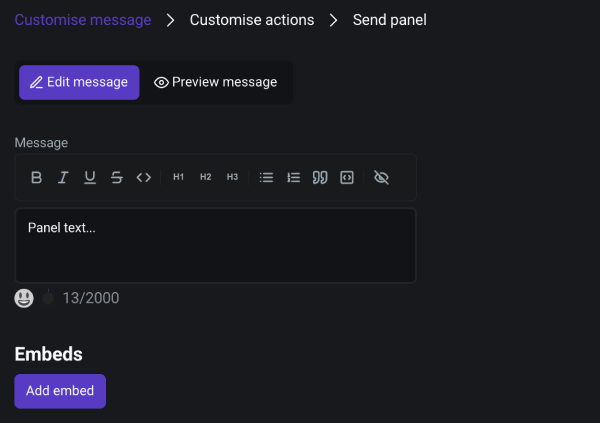
Customize the message
In the first step, create the panel content (text and/or embed) and preview it.
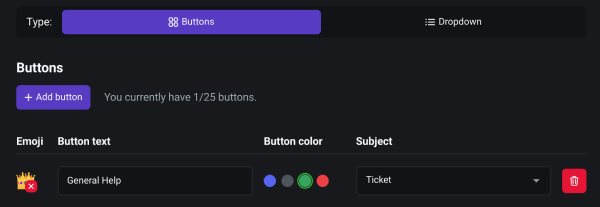
Add buttons or dropdown items
Choose whether the panel uses buttons or a dropdown, then add items and select which subject each one should open.
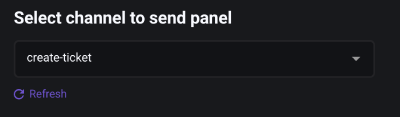
Select a channel in which to send the panel
Pick the channel where the panel should be posted. If you just created a channel, refresh the channel list.
Click Send panel. The panel will be posted in the selected channel.